
DYS Module · Operations and Facility Management
Building Management Module
Bring facility, area and equipment information together in one central operations view.Link floor plans, areas, equipment and planned activities to follow the current state of facility operations from one place.
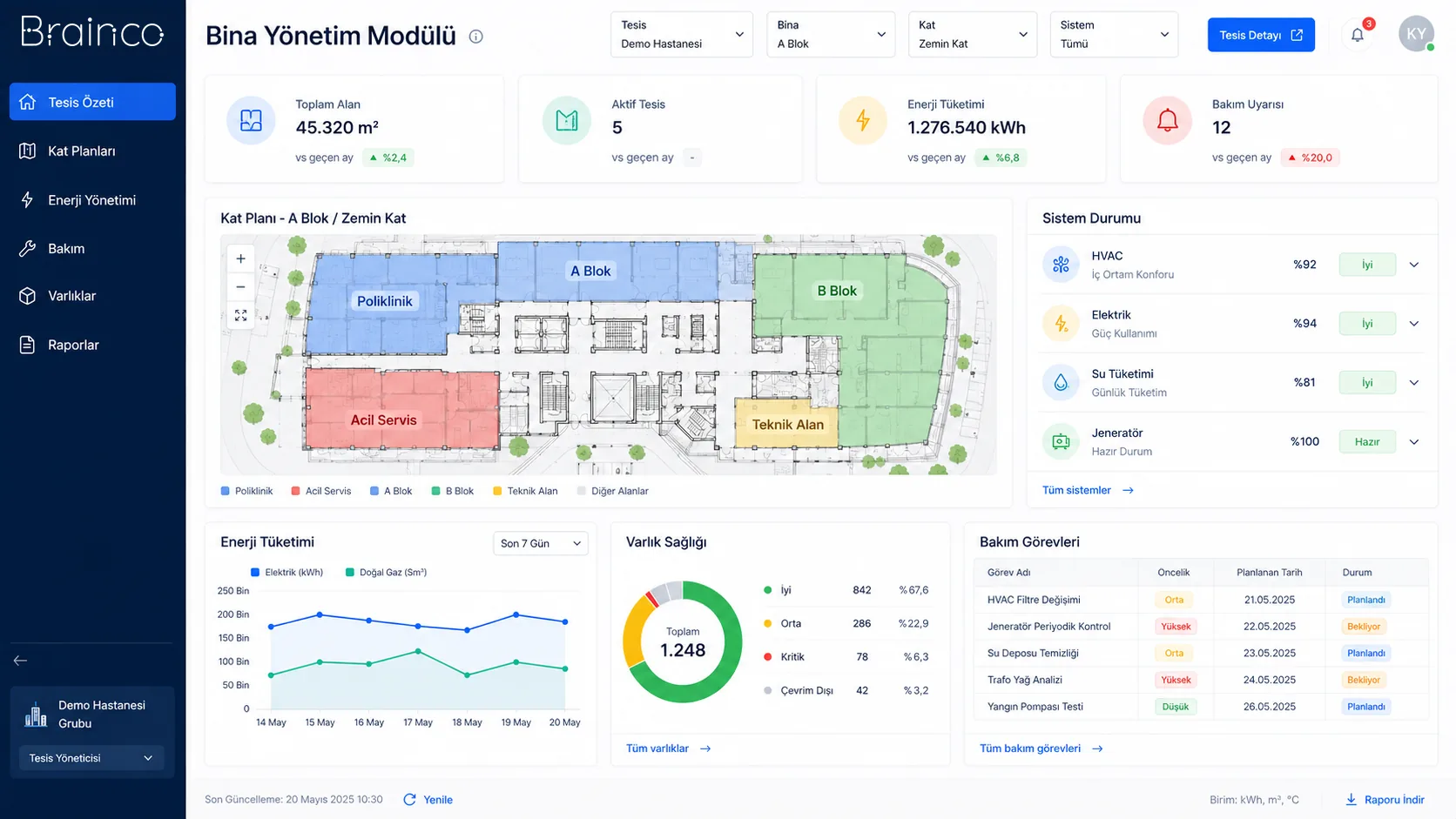
Spatial visibility
Areas and equipment are tracked in the context of the facility plan.
Planned operations
Activities are tracked together with location and owners.
Central facility view
The current status of different buildings and floors is assessed on a shared screen.
Need and solution
From a real business need to a manageable process.
Keeping facility, area and equipment records separate makes it harder to access the current status and coordinate field operations.
The module links the building hierarchy, areas, equipment and operational records in a shared digital model, giving teams a central view.
Core capabilities
What does Building Management Module offer?
The main areas of work the product covers in day-to-day use.
Facility and floor plans
Manage buildings and floors visually and hierarchically.
Area management
Track rooms and operational areas by type, use and status.
Equipment visibility
Link equipment to the area it is in and its current status.
Operational status
Follow open jobs and important situations by area in a central view.
Planned activities
Schedule maintenance and inspection activities with dates and owners.
Central facility view
Assess the key status of several facilities on a shared management screen.
How does it work?
A traceable workflow, step by step.
- 01
Define the structure
The facility, building, floor and area hierarchy is set up.
- 02
Link assets
Equipment and operational records are linked to their locations.
- 03
Plan activities
Inspections and field work are scheduled and assigned to owners.
- 04
Monitor status
Area, equipment and activity information is kept up to date.
- 05
Produce the management view
Status and workload across the facility are reported.
Benefits and measurable indicators
Track improvement with your organisation’s own data.
Instead of ready-made success rates, make visible the indicators that let you monitor process performance regularly.
- 01Open facility jobs
- 02Planned activity completion
- 03Request density by area
- 04Equipment status distribution
- 05Number of overdue activities
Integration approach
Controlled connection to your existing systems.
The scope of integration is configured around the organisation’s data sources, permissions and technical needs.
Security and governance
Authorised access and traceable actions.
- Facility- and team-based access
- Activity and status history
- Organisation-specific building hierarchy
- Central records and traceability
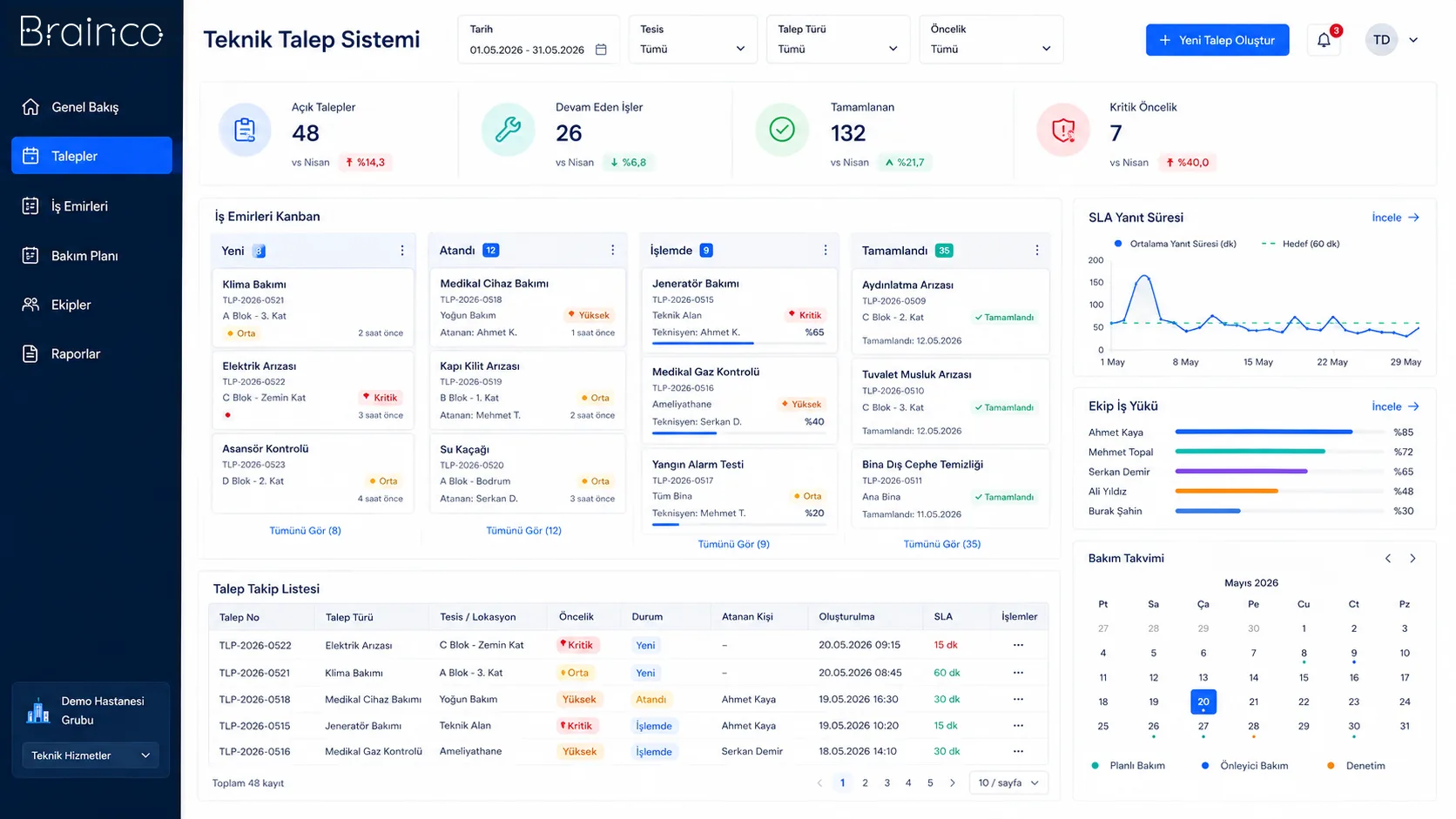
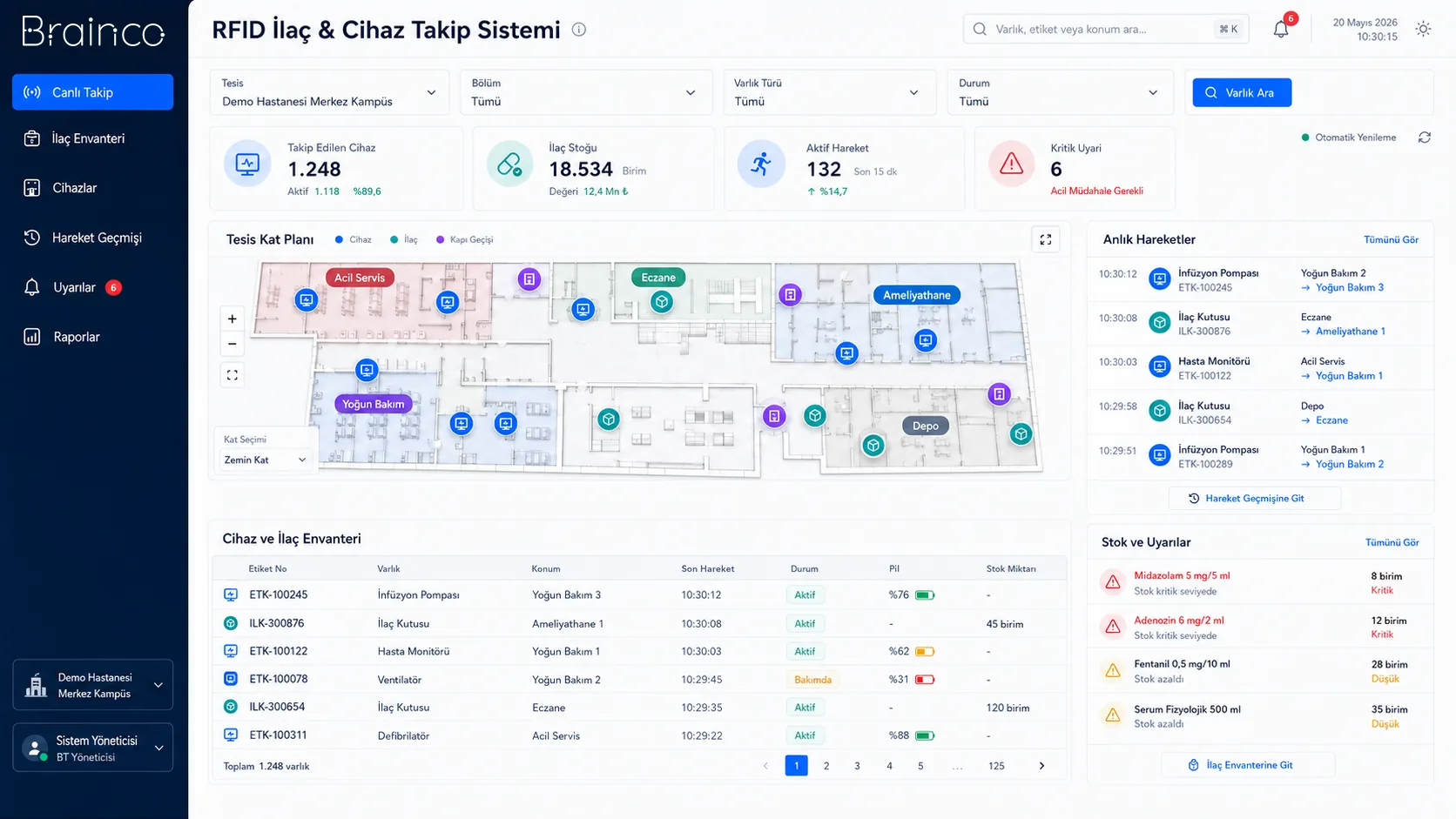
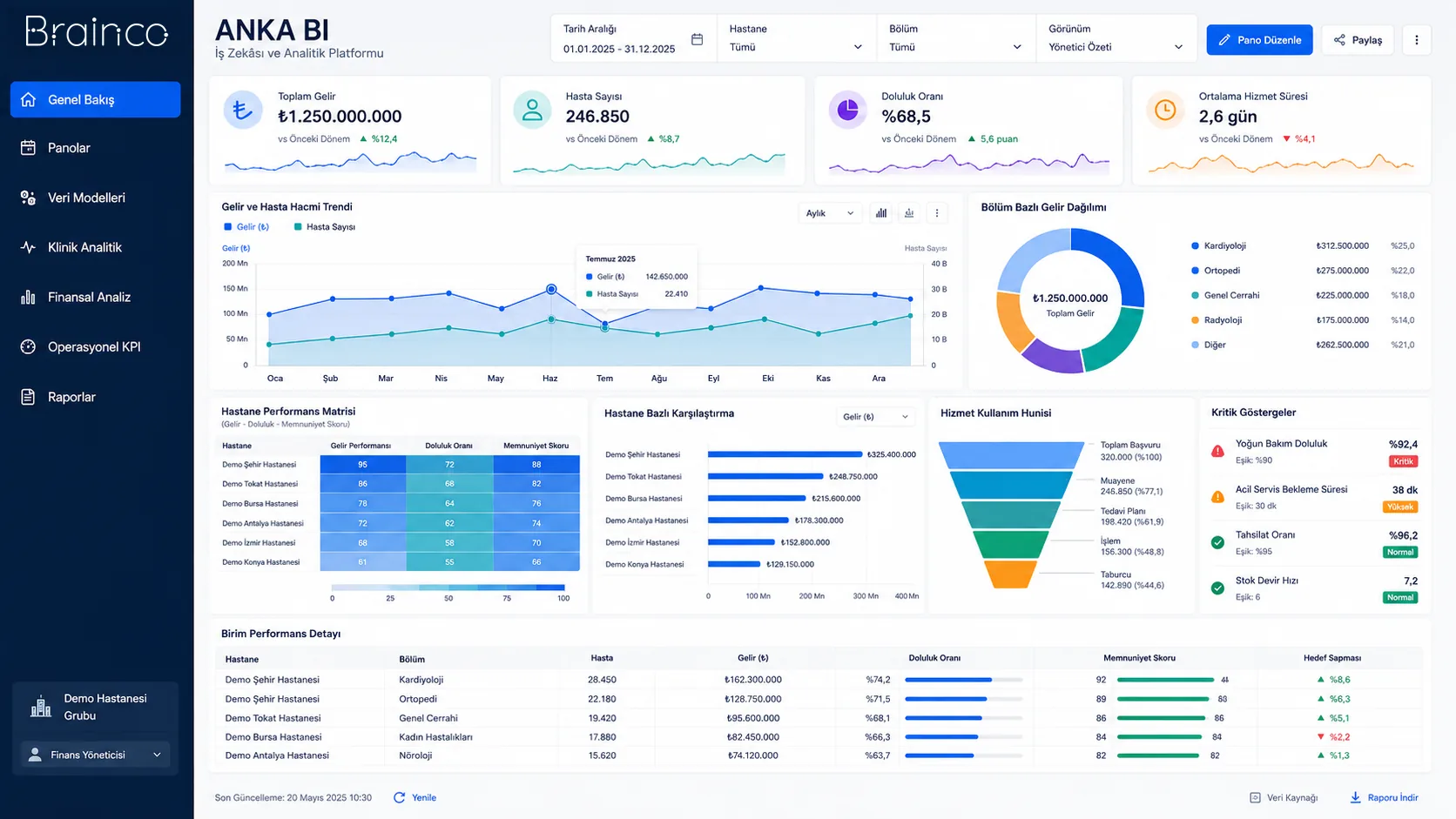
Position in the DYS ecosystem
DYS Module
Let’s evaluate the product together
Manage facility operations together with their space, equipment and activity context.
Let’s look at your organisation’s processes, data sources and user needs together.