
DYS Module · Operations and Facility Management
Technical Request System
Route technical requests to the right team and follow resolution from the field to management.Record breakdown, maintenance and support requests with location and equipment details, and manage priority, assignment, status and resolution history from one place.
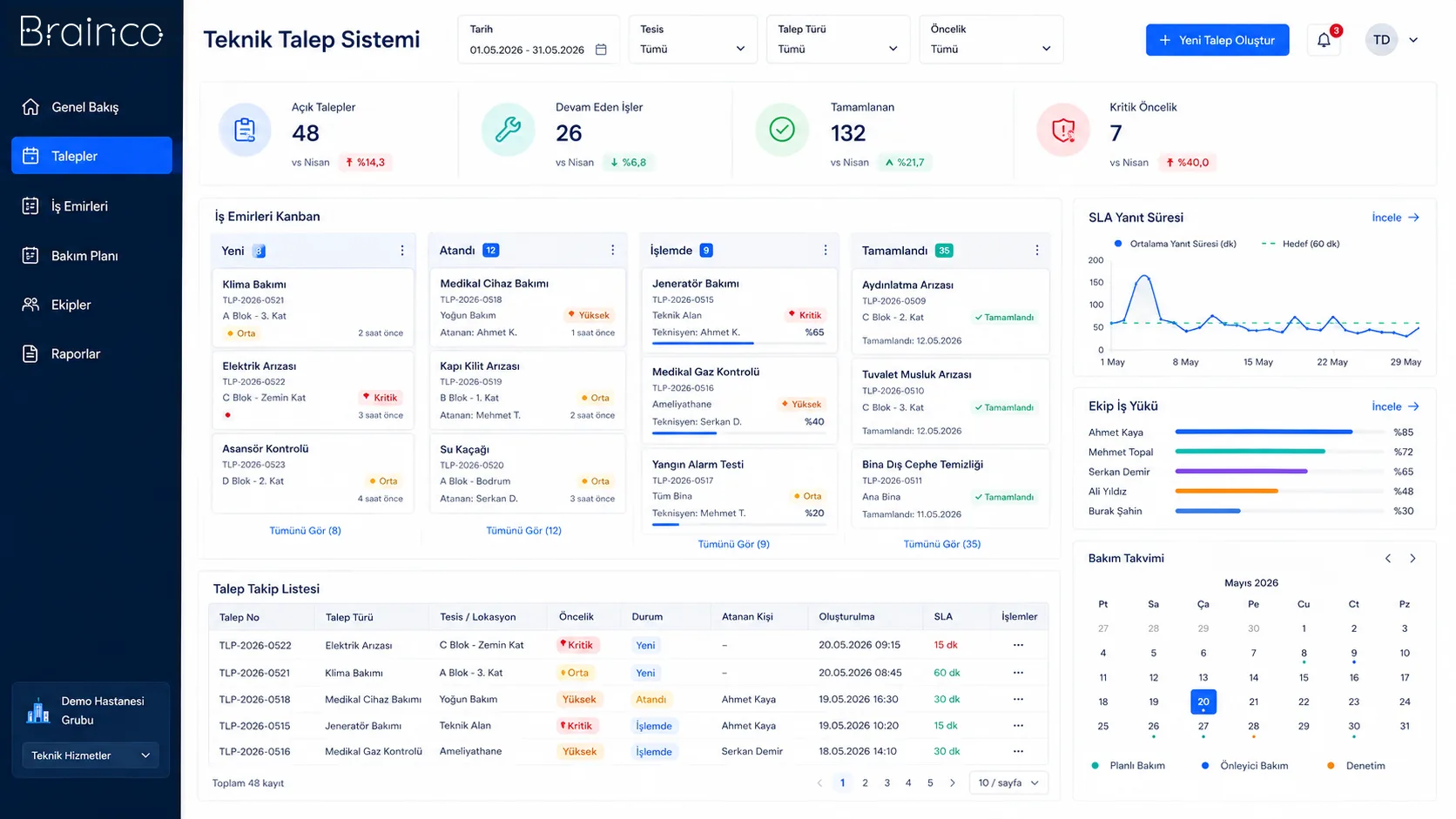
Fast routing
Requests reach the right owner based on location and subject.
Field visibility
Open jobs, priorities and team workload are tracked in a shared view.
Institutional history
Resolution steps and recurring issues remain on record.
Need and solution
From a real business need to a manageable process.
Technical requests made by phone, message or word of mouth can get lost; priority, owner and resolution status can remain unclear.
The system creates a single record for each request, routes the job to the appropriate team and tracks every step from opening to resolution with timestamps.
Core capabilities
What does Technical Request System offer?
The main areas of work the product covers in day-to-day use.
Request creation
Record breakdowns and support needs with a description and supporting details.
Location and equipment
Link the request to the relevant building, area and equipment.
Team assignment
Route the job to the right team by expertise and area of responsibility.
Priority and status
Separate urgent work and follow the current status through standard stages.
Resolution history
Keep the actions taken and closure details in the institutional memory.
Recurring issues
Compare requests that arise at similar locations and equipment.
How does it work?
A traceable workflow, step by step.
- 01
Record the request
The user enters location, equipment and need into the system.
- 02
Prioritise
The request is classified by subject and urgency.
- 03
Assign to a team
The job is routed to the relevant technical team or owner.
- 04
Track the response
Status, notes and actions taken are recorded.
- 05
Resolve and analyse
The request is closed; history and recurrences are reported.
Benefits and measurable indicators
Track improvement with your organisation’s own data.
Instead of ready-made success rates, make visible the indicators that let you monitor process performance regularly.
- 01First response time
- 02Request resolution time
- 03Number of open requests
- 04Number of recurring issues
- 05Team workload
Integration approach
Controlled connection to your existing systems.
The scope of integration is configured around the organisation’s data sources, permissions and technical needs.
Security and governance
Authorised access and traceable actions.
- Role- and team-based access
- Status and action history
- Organisation-specific priority rules
- Field and management views
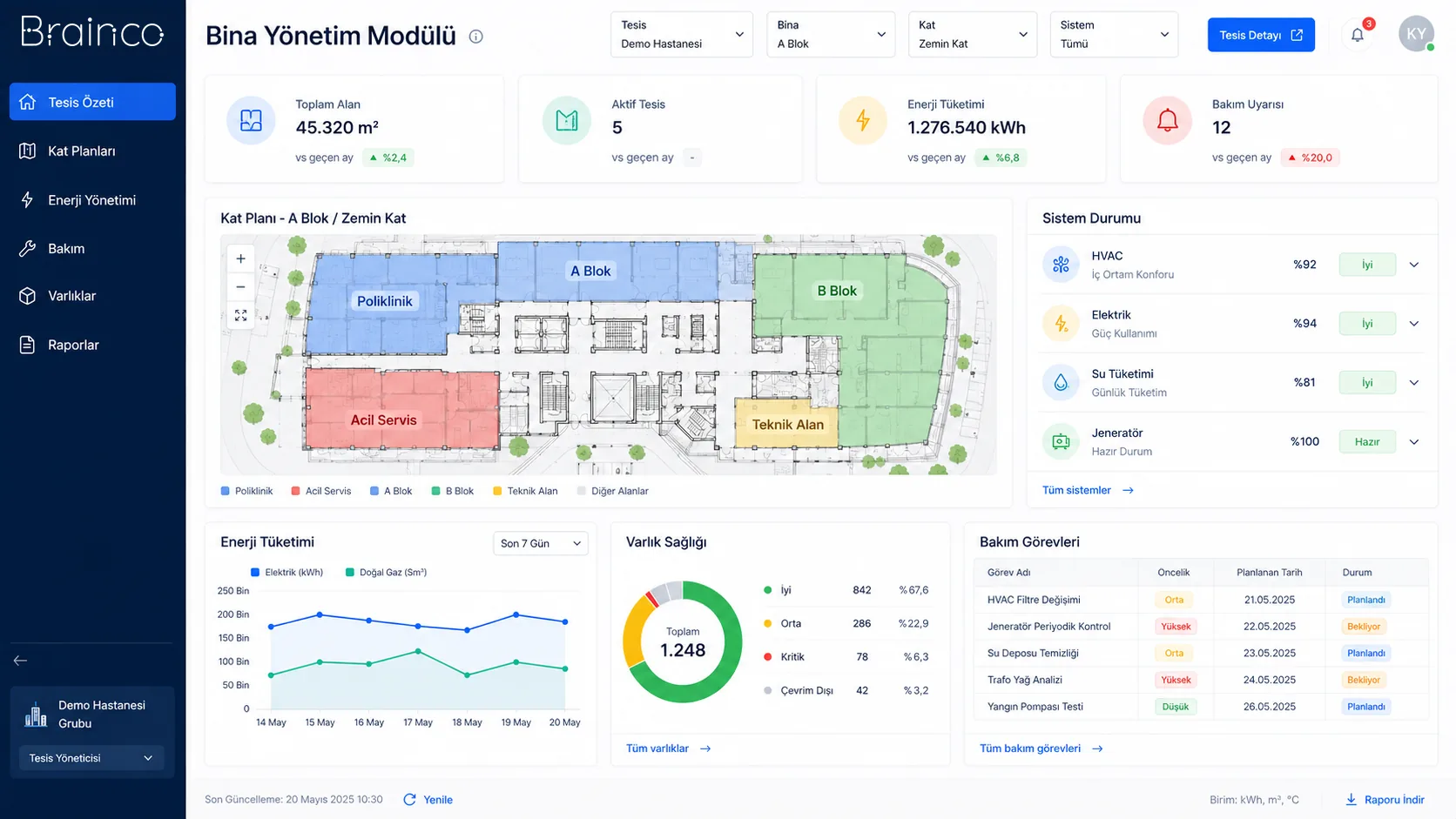
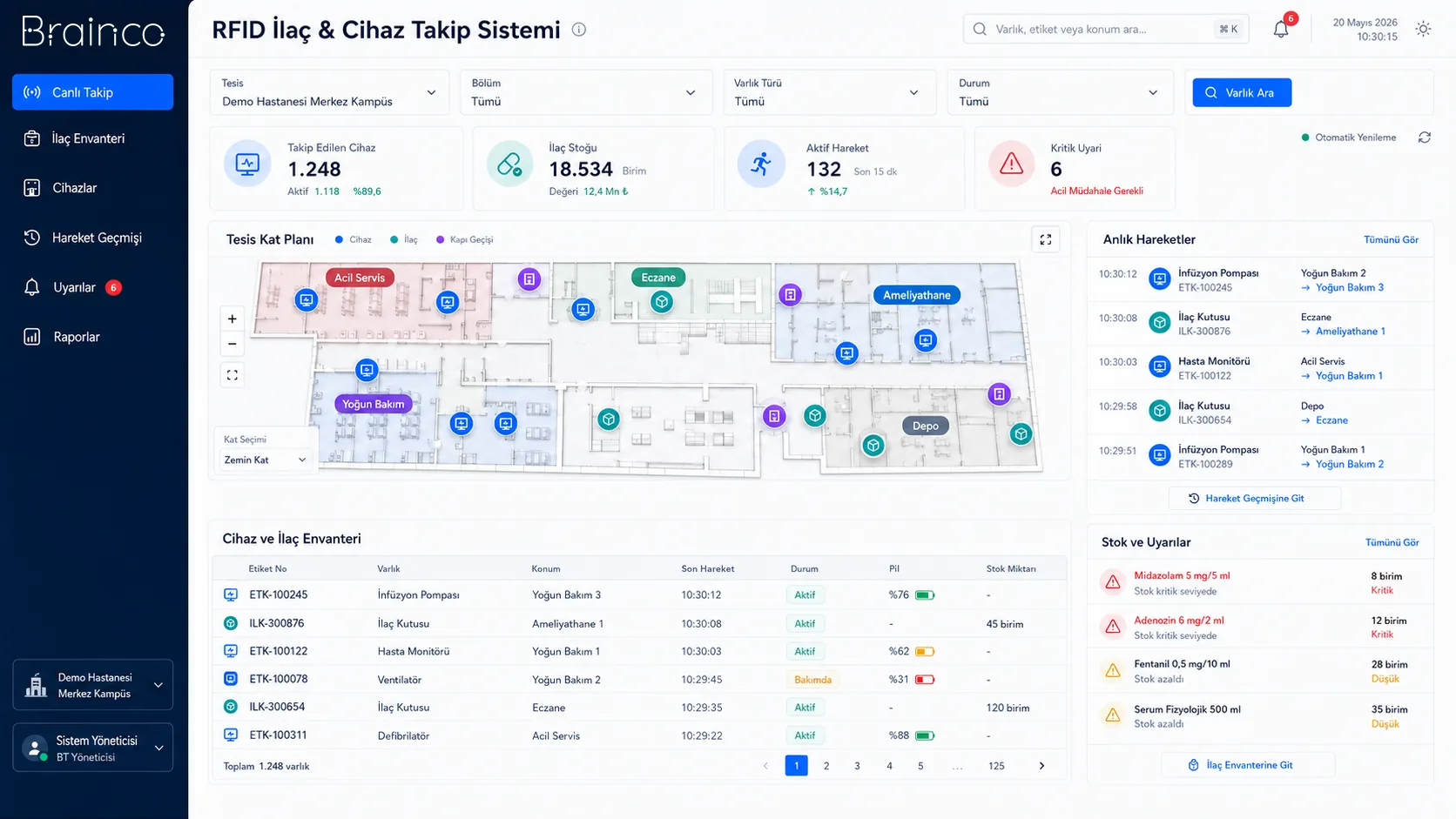
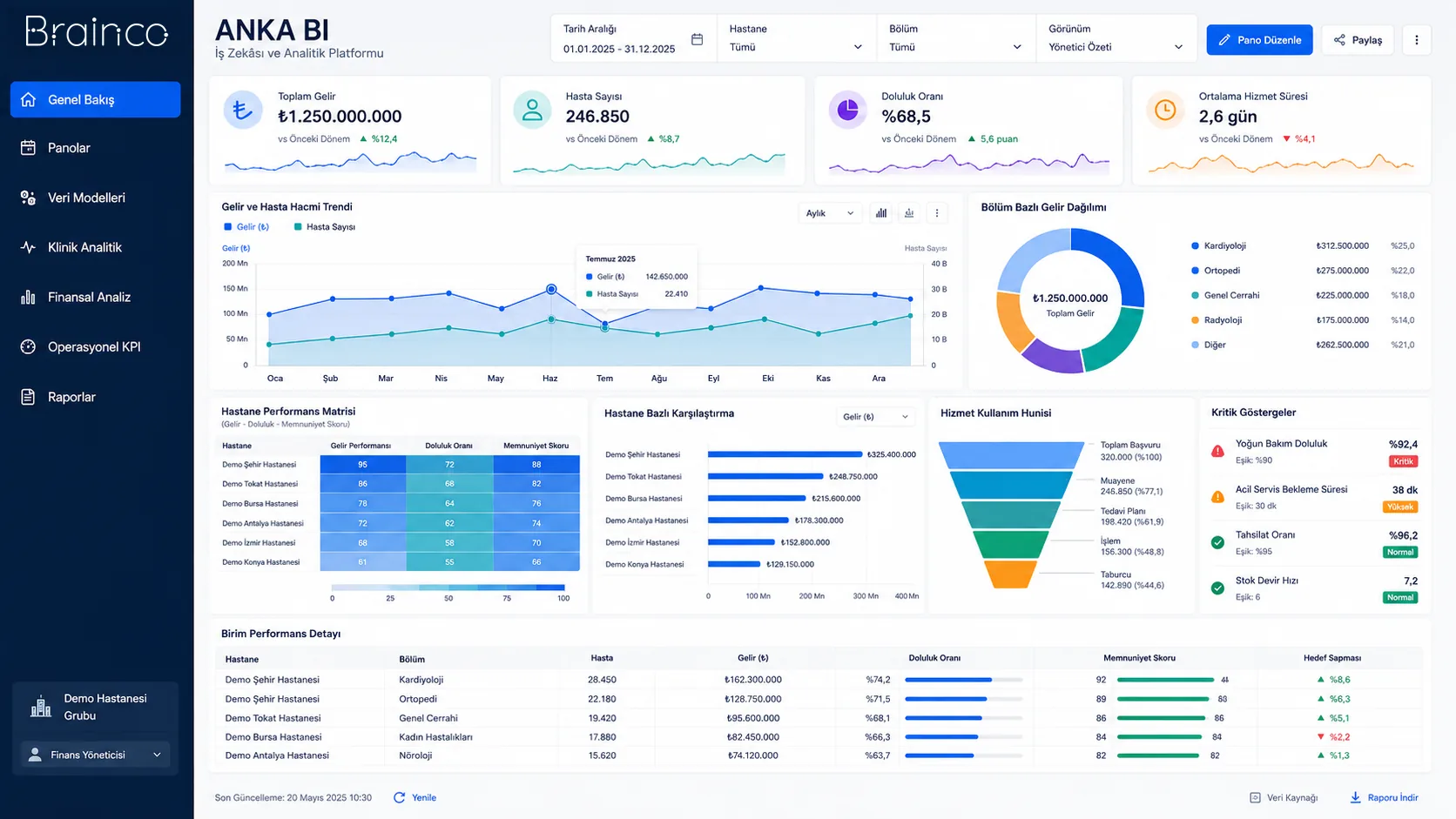
Position in the DYS ecosystem
DYS Module
Let’s evaluate the product together
Move technical requests into a visible workflow.
Let’s look at your organisation’s processes, data sources and user needs together.